
A Reworked Sidebar and Settings Page
✨ Summary
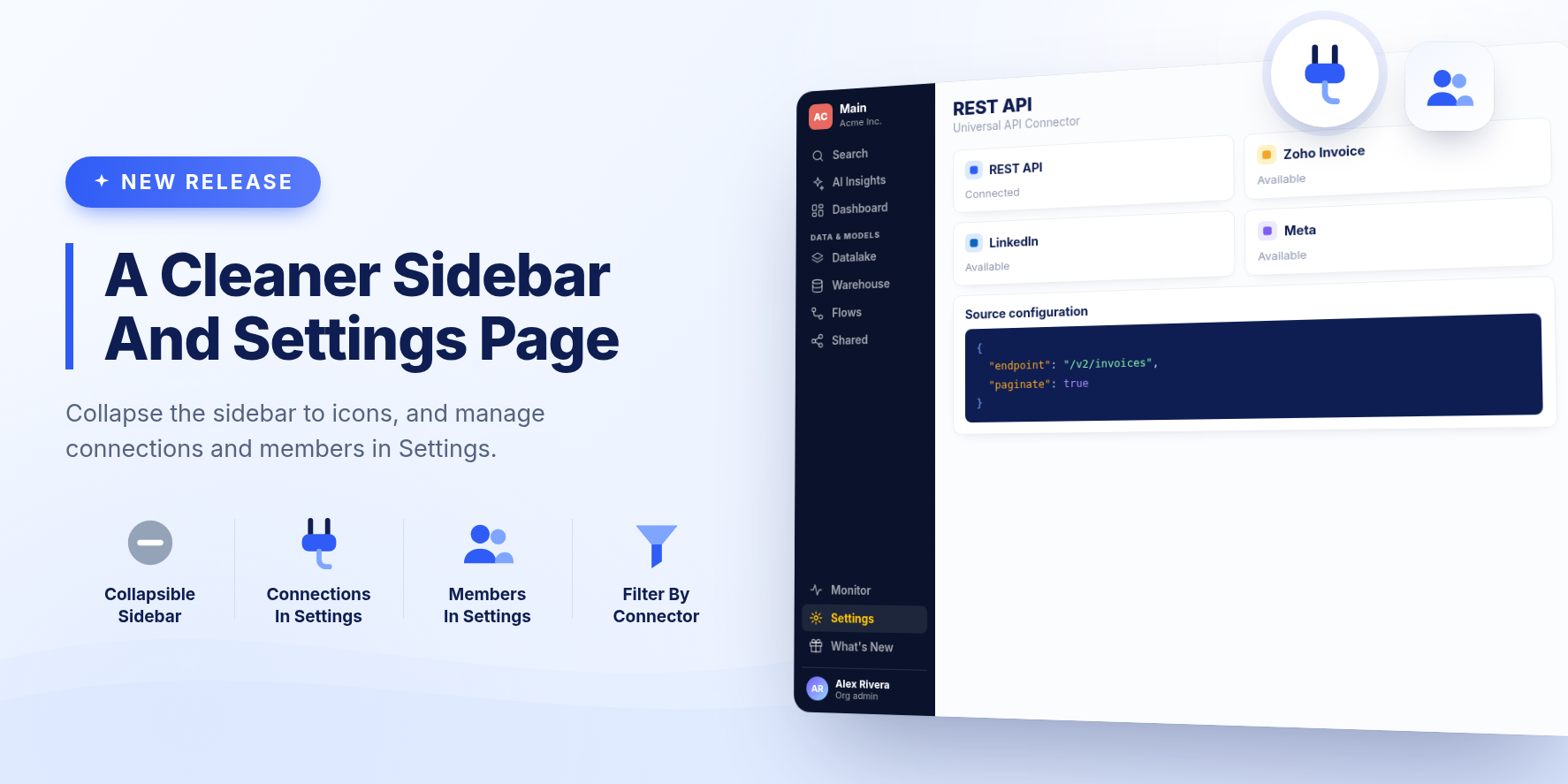
The sidebar collapses to a row of icons and groups your data tools under Data & Models. Settings is now a full page, and it is where you manage a workspace's connections and members.
New Features
A sidebar you can collapse
Collapse the sidebar to a narrow row of icons to give pages more room, and expand it again with one click. Your choice is remembered. Datalake, Warehouse, Flows and Shared are grouped under Data & Models.
Settings as a full page
Settings opens as a page instead of a dialog. A Workspace section at the top holds the current workspace's Connections and Members, followed by your organization's settings. Existing links to Connections and Members still work and open the right tab.
Redesigned Connections and Members
Connections are listed by connector, with a search box and a filter for each connector type. Members lists each person in the workspace with their role, which you can change from the list.
Dashboard caching keeps up with your changes
The dashboard cache now follows the dashboard. When you change a dashboard's cache settings, it starts, stops, or reconfigures its cached data to match. When you delete a visualization or remove a widget from a dashboard, its cached data is cleaned up so stale results are no longer refreshed.
Bug Fixes and Improvements
- Dashboard links now open the right page in the same window instead of a blank page or a new tab.
- The Hub loads faster, with folder and card sharing information fetched in a single batch instead of one request per card.
- The What's New panel keeps opening after you switch between workspaces several times.
- Wide dialogs are no longer partly hidden behind the sidebar.
- In the workspace menu, each workspace has its own Edit button on the same row.
Release 2613