
A New Sidebar, With Your Workspaces One Click Away
✨ Summary
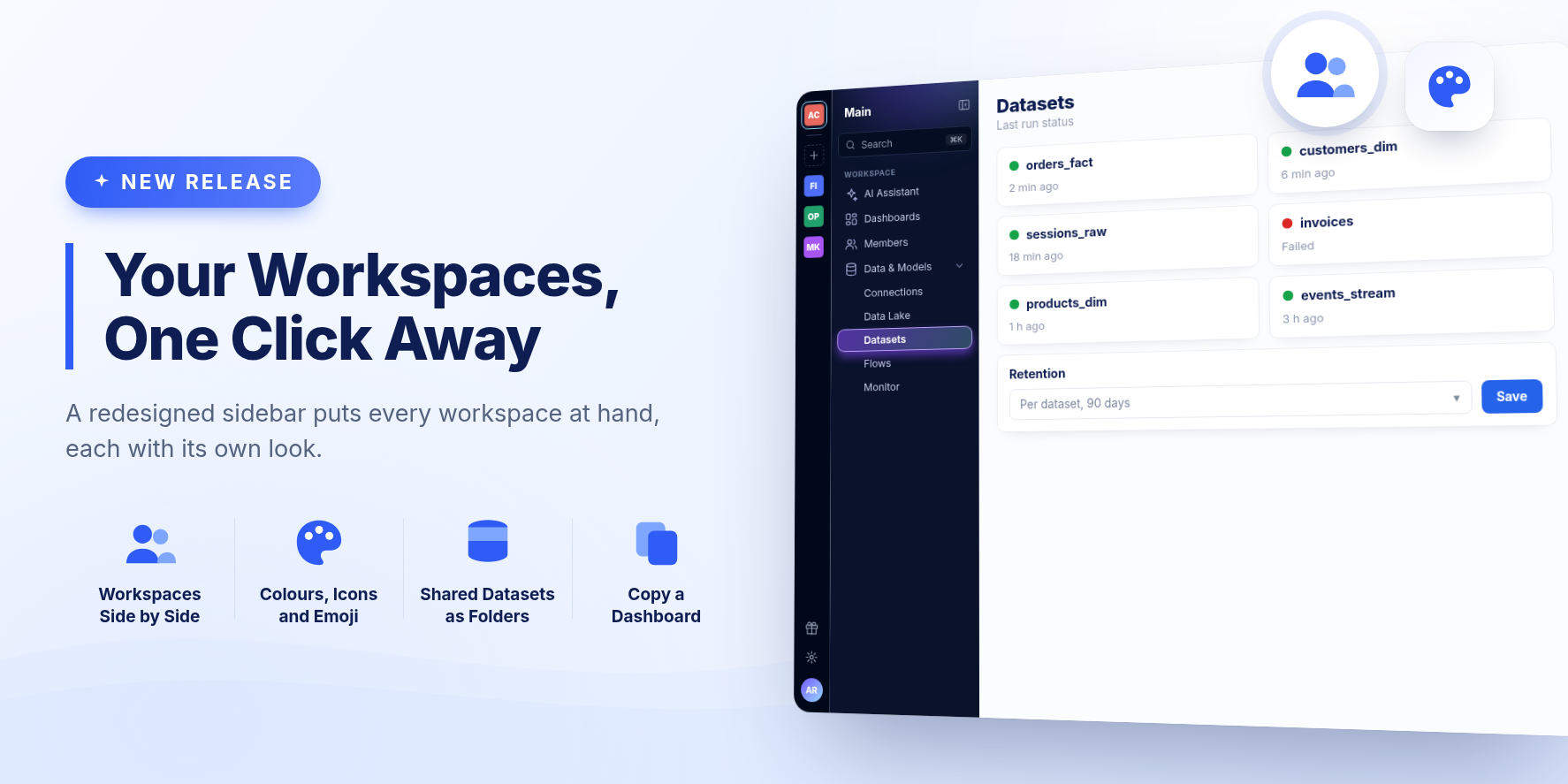
The sidebar is redesigned around your workspaces. Each one sits on the left edge of the sidebar, ready to switch to, and admins can give each its own colour, icon or emoji. Settings is split into screens of their own, and the AI Assistant can now copy an existing dashboard.
New Features
Your workspaces, side by side
Every workspace you belong to now has a tile on the left edge of the sidebar. Click one to switch to it, or click + to create a new one, choosing its name and look as you create it.
Make each workspace recognizable
Admins can rename a workspace and give it a colour, an icon or an emoji, by clicking the workspace's name at the top of the sidebar. Its tile shows that look everywhere it appears. A workspace that has none keeps its initials, as before.
Shared datasets live with your datasets
Datasets that other workspaces share with yours now appear as folders on the Datasets page, one per workspace, after your own folders. Open one to browse what that workspace shares.
Settings, split into screens
- Settings, in the sidebar, holds your organization's settings.
- Workspace settings, for admins, opens from the workspace's name at the top of the sidebar.
- Members and Connections are now sidebar entries of their own, for admins.
- Account and your preferences open from your profile at the bottom of the sidebar.
Old links to a Settings tab still take you to the right place.
The AI Assistant can copy a dashboard
Give the assistant a dashboard's link or name and ask for a copy. The copy is exact, ready at once, and leaves the original untouched. Then ask for changes in the copy's own chat.
Tell us when an answer misses
A thumbs-down on an AI Assistant answer now reaches our support team, with the reason you pick, your note if you add one, your question and the steps the assistant took. The answer itself is never sent.
Changed
- The sidebar's sections have new names: Datasets (was Warehouse), Data Lake (was Datalake) and Dashboards.
- A collapsed sidebar shows each section's name when you hover its icon.
Bug Fixes and Improvements
- Pages taller than the window, such as Datasets, Flows and Monitor, scroll again.
- Workspace members now see the projects and conversations others share, including in busy workspaces with many large conversations.
- The owner of a shared project now sees the conversations other members add to it.
- Asking a question from a project starts a new conversation, rather than reopening the previous one.
- Dashboard and dataset links in an AI Assistant chat open in a new tab, so you keep your conversation.
- A conversation in which the assistant once replied with nothing no longer fails on every later question.
- The AI summary of a configuration change works for large organizations.
- Links opened from a dashboard, including sign-in redirects and file downloads, now open as expected.
- The dataset editor uses the same font however you open it.
- Removing a user no longer shows an error when the removal succeeded.
- Signing in no longer flashes "We couldn't load your workspaces" first.
- Usage charts in Settings are drawn at the right size on wide screens.
- The language you pick in Preferences stays selected after a reload.
- Returning from a source's re-authorization no longer shows an error code.
Release 2615