
Added
Changed
Fixed
Polish for the New Sidebar and the AI Assistant
2 weeks ago
✨ Summary
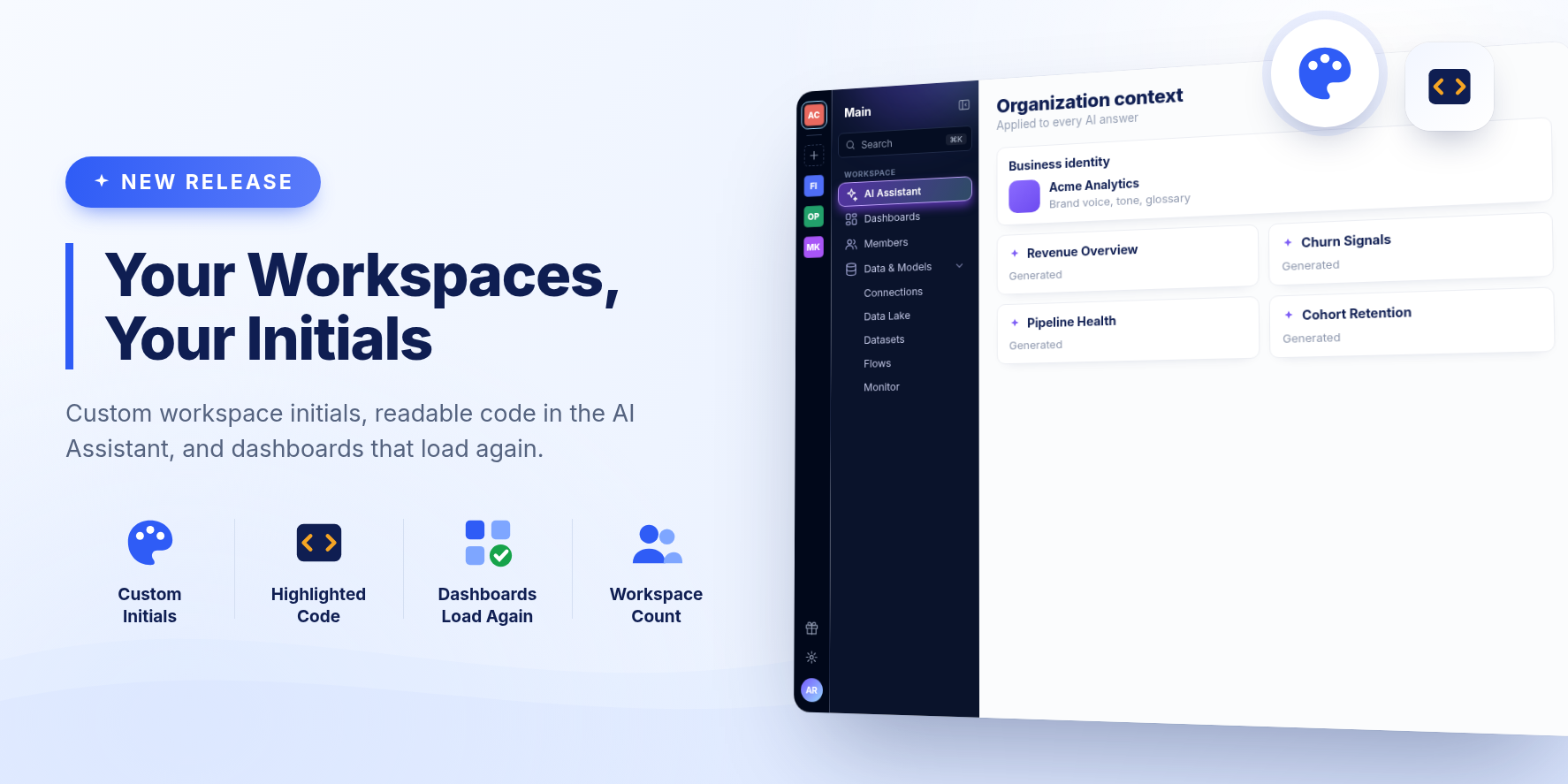
Workspaces can have their own initials, and creating one shows how many your organization has left. Code in the AI Assistant is easier to read, and dashboards over datasets with unusual names load again.
New Features
Your own workspace initials
When two workspaces start with the same letters, their tiles look alike. Admins can now pick two letters for a workspace in Customize, on the Initials tab. Left empty, a workspace keeps the first two letters of its name.
Readable code in the AI Assistant
SQL, JSON and Python in a conversation are now highlighted, in answers and in the assistant's thought process. When you ask to save a query as a dataset, the query is laid out over several lines.
Improvements
- Creating a workspace starts with an empty name, rather than a made-up one you had to replace.
- The + on the left edge of the sidebar shows how many workspaces your organization has out of its limit, and says so when the limit is reached instead of opening a form you cannot save. It now sits after your other workspaces.
- A collapsed sidebar has an expand button under the workspace tile.
- The sidebar shows your organization's name under the workspace's again.
- Conversation Details can be shown again after you hide it, from a button where the panel was.
- The highlight on the selected sidebar item no longer spills onto the item below.
- Ask AI on an AI dashboard opens the dashboard's own chat, with the conversation that built it.
- The card for a dataset the AI Assistant creates says how many rows and columns it has once it is ready.
- Stopping an answer keeps your question, with whatever had been written so far.
- Without a dataset enabled for AI search, your conversations and projects stay available, and a dashboard can still be built, on sample data.
- A memory edit that cannot be saved now says so, instead of quietly reverting.
Bug Fixes
- Fixed AI dashboards over a dataset whose name has spaces, parentheses or symbols, which showed "The data could not be loaded" on every card.
- Fixed "The version undefined doesn't exist" and an endless loading screen when opening a dataset right after it was created. The dataset now opens on its latest run, or says its first refresh is still running.
- Fixed the AI Assistant's greeting animation freezing in Safari and pushing the question mark onto its own line.
- Fixed a question left while it was being answered, for instance by asking another from a project, never getting its answer.
- Fixed dashboard cards in the AI Assistant staying on "Building" after the dashboard was ready.
- Fixed role descriptions being cut off in the Add members window.
Release 2615.1