
BEEM 2612: Dashboard Caching for Faster Load Times
✨ Summary
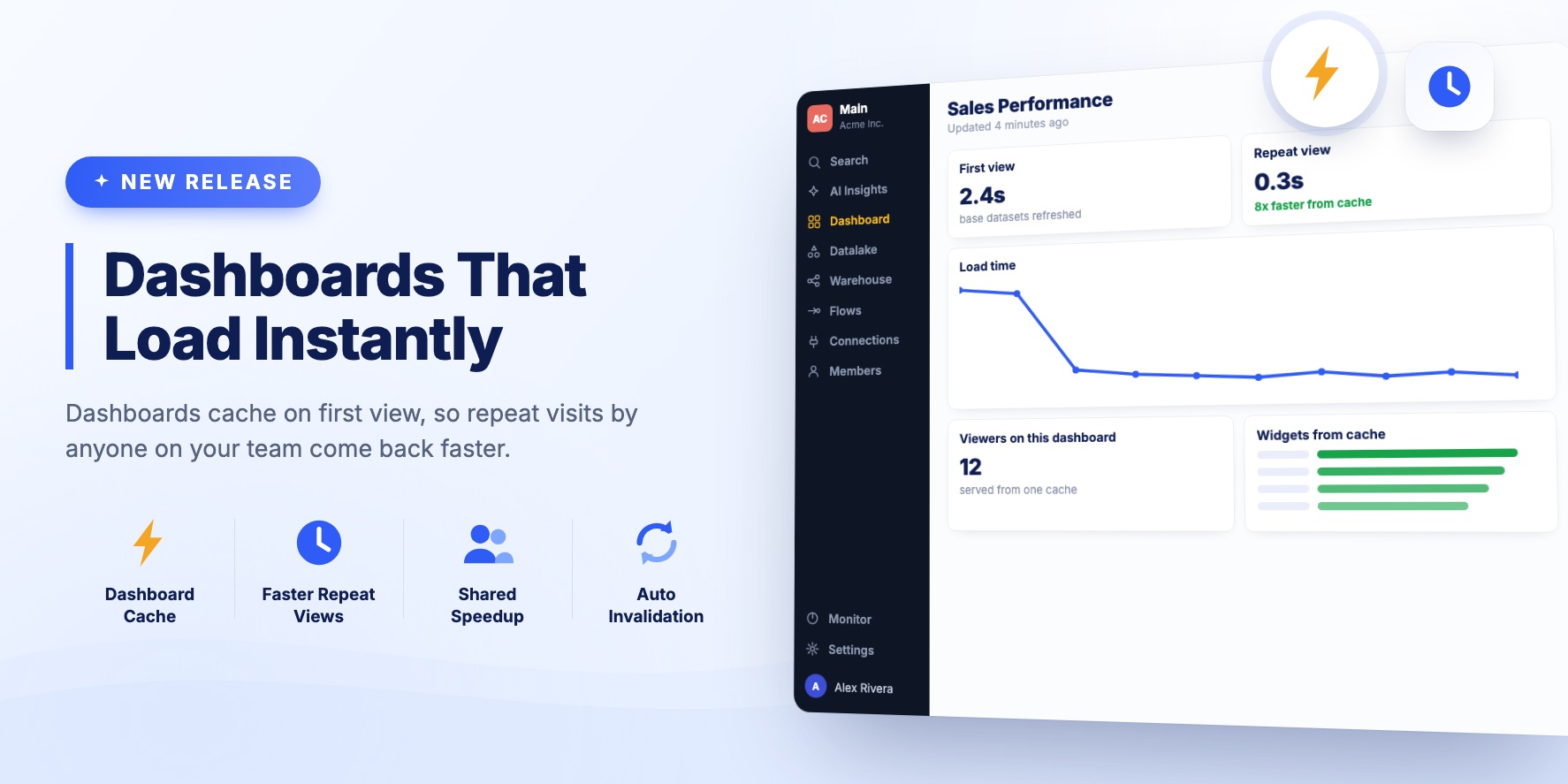
Dashboards cache their data on first view, so repeat views are faster.
New Features
Dashboard caching on first view
This is the first phase of the feature and it is rolling out gradually.
The first time a dashboard is viewed after its base datasets were refreshed, the dashboard data is cached. That speeds up viewing the dashboard until the base datasets refresh again. Several people viewing the same dashboard also benefit, because some widgets can be served from the cache.
Dashboard Widget Refresh Fix
Bug Fixes
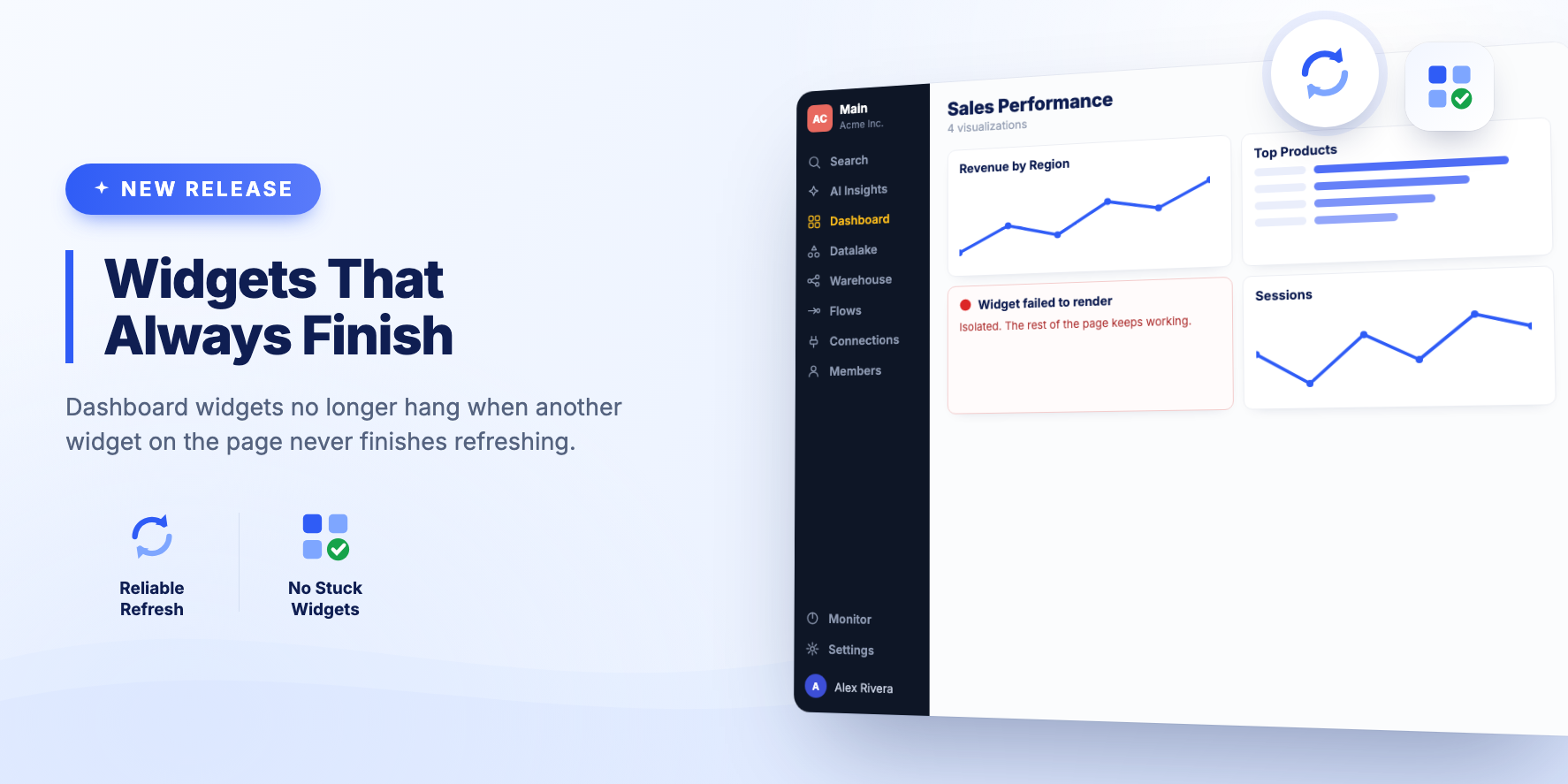
- Fixed dashboard widgets that could stay stuck loading when another widget on the same dashboard never finished refreshing.
BEEM 2611: Text Values on Metric Cards
✨ Summary
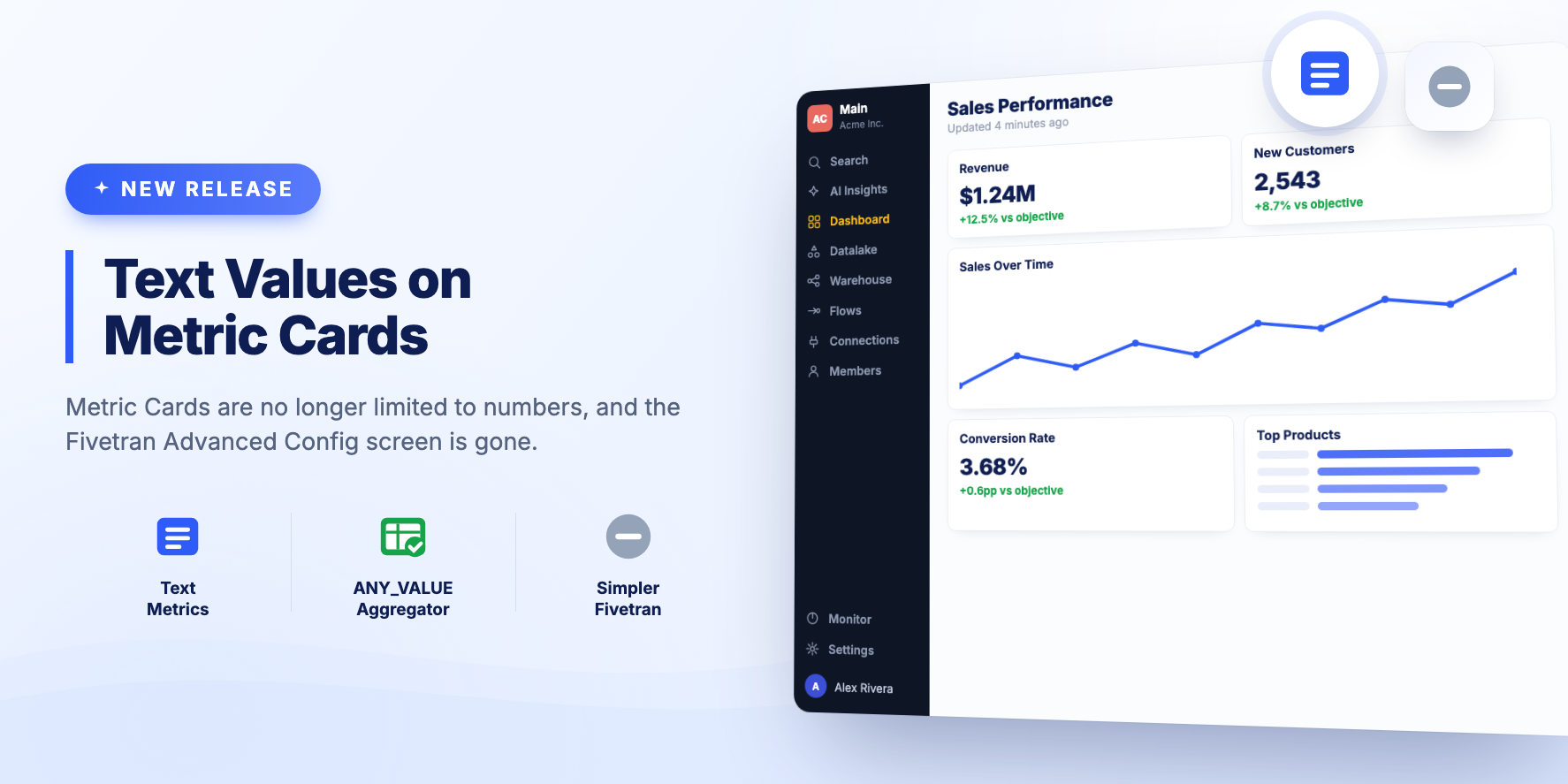
A small release. Metric Cards can display text, and the Fivetran Advanced Config screen has been removed.
Improvements
- Metric Card Visualizations can show a text value. Previously only a number could be displayed. To produce a text value from your data, the ANY_VALUE aggregator usually works.
- Removed the Fivetran Advanced Config screen. History tables are fully supported through our S3 Data Lake from Fivetran, so the screen was no longer needed.
AI Dashboards in the Dashboard List, Zoho Invoice and LinkedIn
✨ Summary
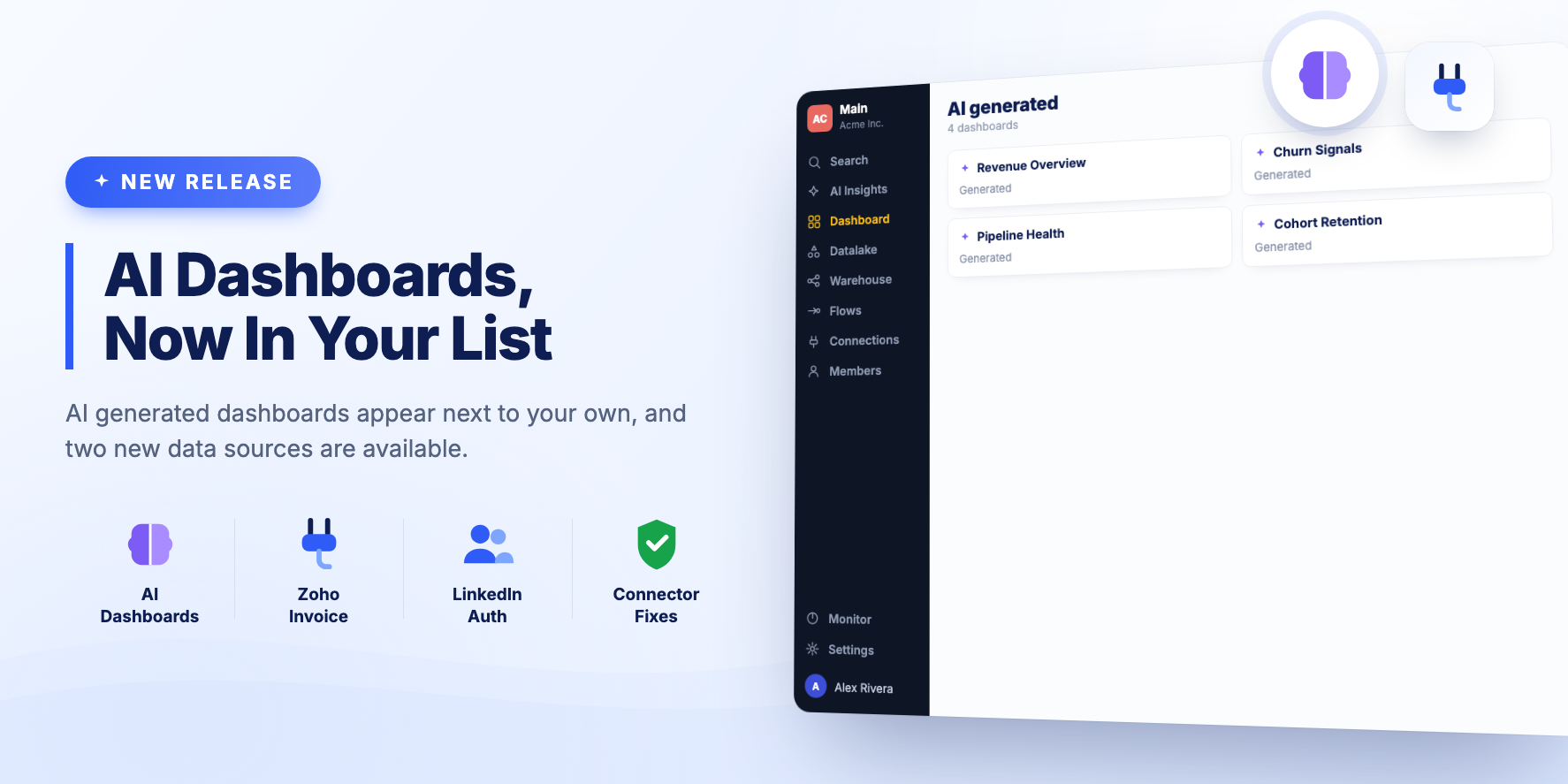
AI generated dashboards show up in the Dashboard list, and two new data sources are available.
New Features
AI dashboards in the Dashboard list
Dashboards generated by AI appear next to your own in the Dashboard list. You can find, open and manage them the same way as any other dashboard.
Zoho Invoice connector
Zoho Invoice can be connected as a data source.
LinkedIn authentication
LinkedIn is available as an OAuth provider for connections.
Bug Fixes and Improvements
- Fixed the custom connector picker getting stuck on a loading spinner.
- Fixed an error when creating a Fivetran destination.
- Fixed the OAuth callback URLs used when connecting the BEEM MCP Server.
BEEM 2610: Per-Dataset Retention and Large Dataset Exports
✨ Summary
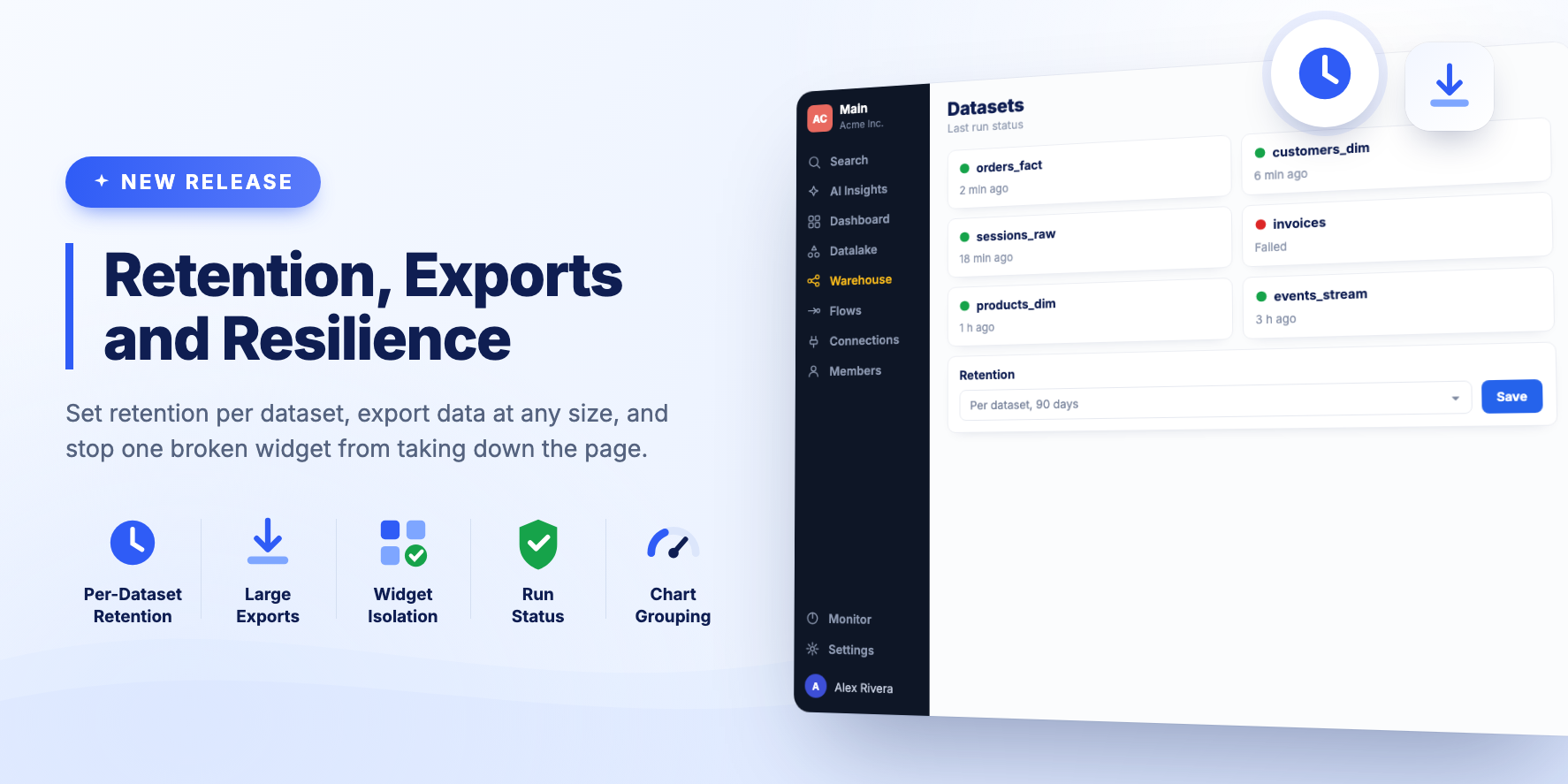
Retention can be set per dataset, large exports no longer fail, and one broken widget no longer takes down the page around it.
New Features
Per-Dataset retention
When you edit a Dataset you can set the retention that applies to that Dataset specifically. Leave it unchanged and the global Organization setting is used.
Downloading large Datasets
When a Dataset, Source Table or Consolidated Test Result held a lot of data, the warehouse engine needed longer to export the CSV and the app failed. The export process now handles this.
Widget errors stay contained
When a single dashboard widget or visualization fails to render, the error stays with that widget. The rest of the dashboard keeps working.
Bug Fixes and Improvements
- Dataset Cards on the Warehouse page show a Last Run Status indicator.
- Dataset Cards have been polished.
- AI generated dashboards support drill-down, result counts, and provenance, so you can see where a figure came from.
- Fixed an AI Insights bug where a chat was remembered after switching Workspace.
- Editing a Visualization from a Dashboard now includes a link to open the underlying Dataset.
- Pie and Doughnut charts can aggregate several rows into one slice.
Universal API Connector and Safer Source Config
✨ Summary
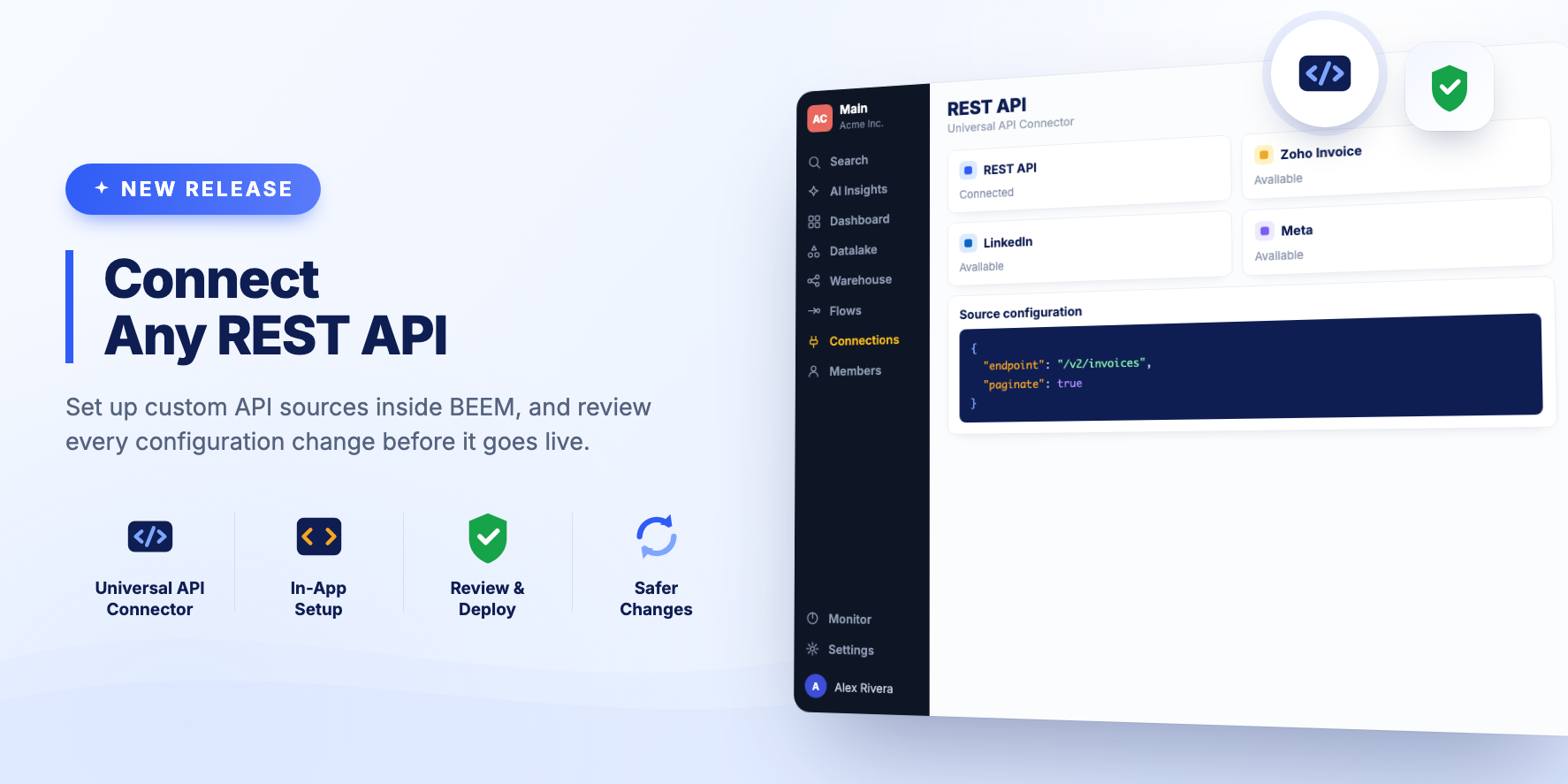
Custom REST API sources can be set up from inside BEEM, and source configuration changes get a review step before they go live.
New Features
Configure REST API sources in the app
The Universal API Connector is configured directly in BEEM. Point it at a REST API, describe the response, and start ingesting without leaving the product.
Review and deploy confirmation
Changes to a source configuration show a review and deploy step first, so you can see what is about to change before it is applied.
BEEM 2608: Dashboard Widget Controls and Layout Polish
✨ Summary
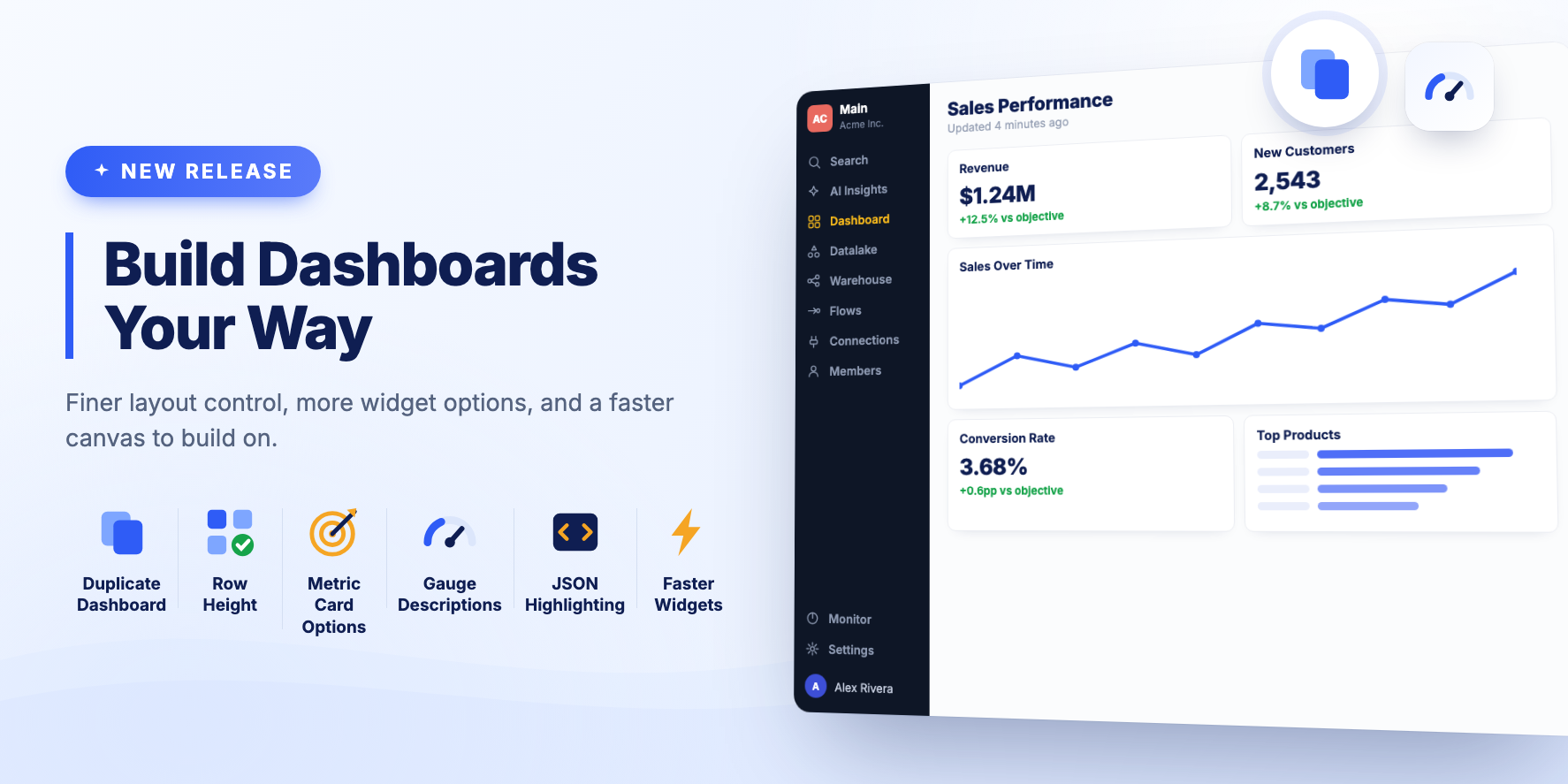
More control over dashboard layout, more options on individual widgets, and fixes for widget loading and performance.
New Features
- Duplicate an existing dashboard from the menu.
- Set dashboard row height in pixels, with an option to re-calculate the layout.
- Add a link URL to the image widget.
- Hide the title of a Metric Card.
- Place the gauge chart description below the whole chart, and use a dynamic value for it.
- JSON syntax highlighting in the Source Config editor, which makes custom source configuration much easier to read.
Bug Fixes and Improvements
- Dashboard widgets can be resized down to a 1 x 1 grid cell.
- Every Visualization type has an empty state. Previously a mock chart was shown.
- The New Dashboard button no longer says "Legacy".
- First fix for the dashboard loading issue when switching between view and edit modes.
- Fixed the text block widget controls, which did not work at small widths.
- Improved text block widget performance on dashboards with many widgets.
- Fixed the loading state on small dashboard widgets.
- The dashboard save and view buttons show a disabled state and a tooltip where it applies.
AI Center and the Meta Connector
✨ Summary
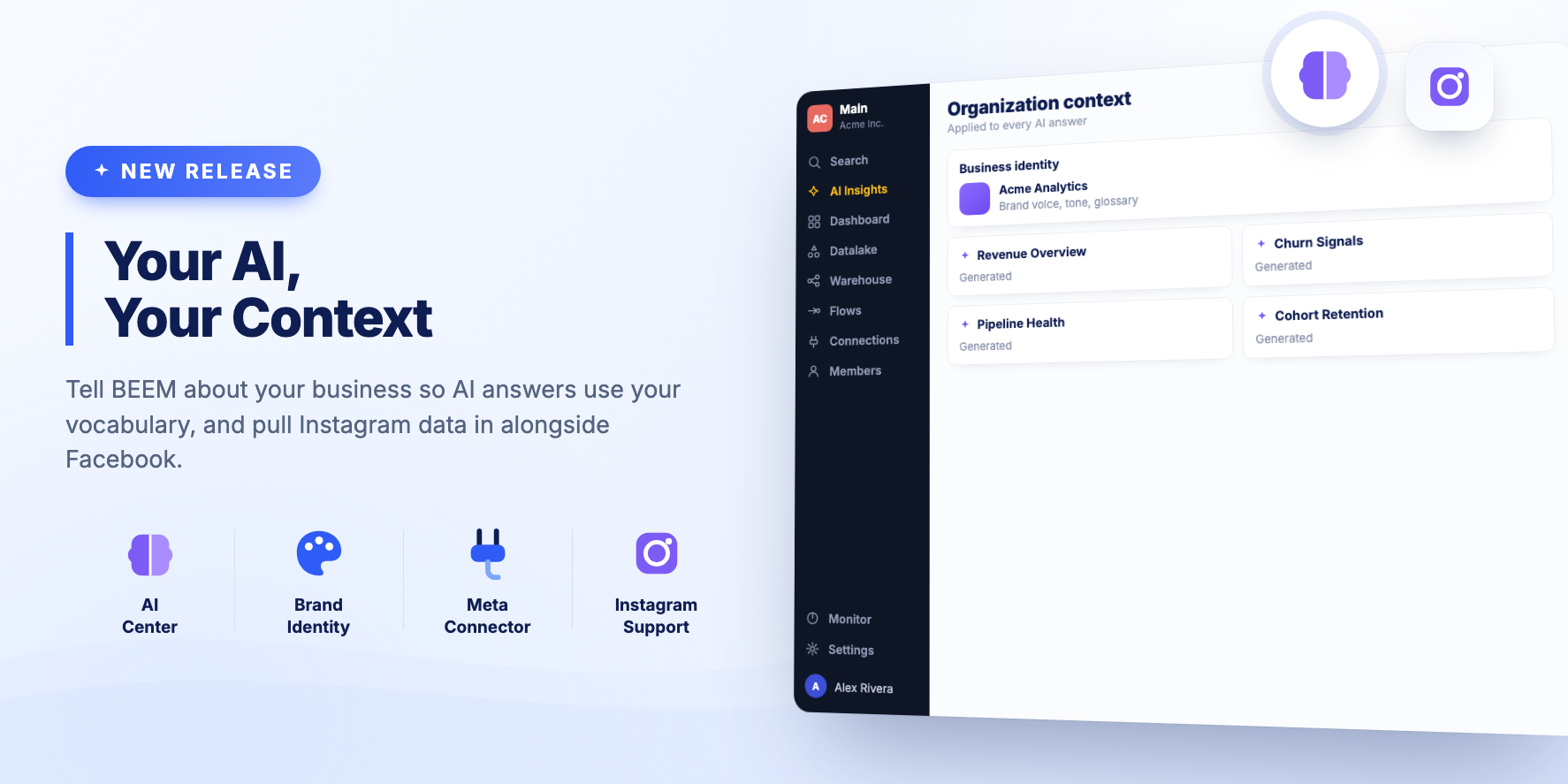
You can now tell BEEM about your organization so that AI answers use your vocabulary, and the Facebook connector covers Instagram.
New Features
AI Center
Give BEEM context about your business, including identity and branding. AI generated answers use that context instead of generic phrasing.
Meta connector with Instagram
The Facebook custom connector is now the Meta connector, and it supports Instagram. Both sources come into BEEM through one connection.
BEEM 2607.1: Table Sorting and Flexible Dashboard Filters
✨ Summary
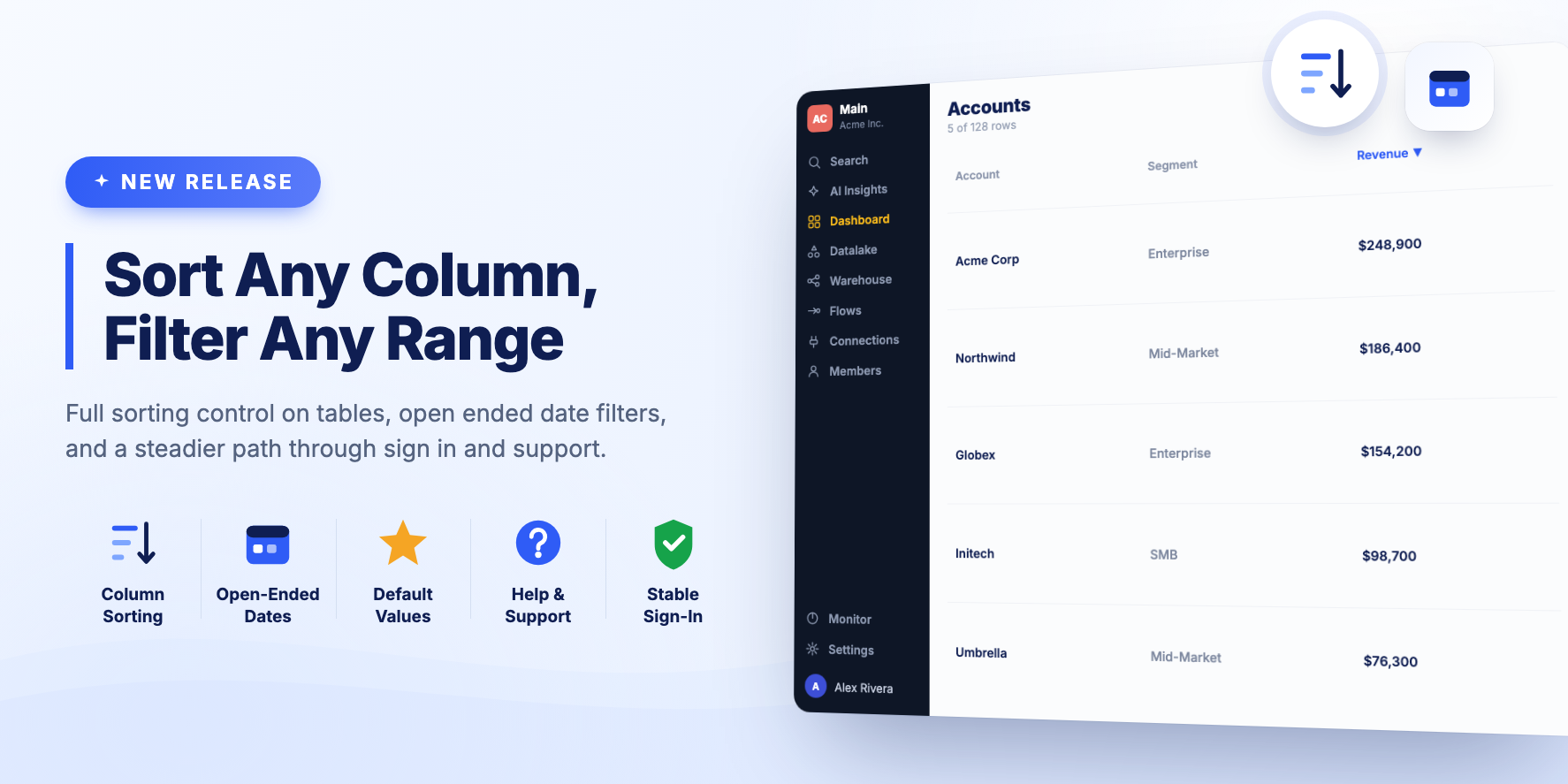
Table Visualizations get full sorting control, and Dashboard Filters handle dates and default values more flexibly.
New Features
Table Visualization sorting
Pick a list of columns to sort table rows by. Both visible and hidden columns are supported, and you can choose whether to display the note about sorting on hidden columns.
Improvements
- The Knowledge Base is now called Help & Support.
- Date and Date Time Range filters can be open ended, so you can set a condition on just the From or just the To value. There is also a quick button for today's date.
- Dashboard Filter default values work for all data types, including date and time.
- Pagination on a Table Visualization can be hidden when there is only one page of data.
- The Connections list scrolls back to the top when you select a filter.
Bug Fixes
- Fixed a blank page that could appear when sign in returned an error.
- Filtering a Table Visualization always sends a fresh query to the warehouse, so the behaviour is consistent.
- When several Fivetran sources are set up at once, the setup script continues with the first one that completes its initial sync.
- People without a last name on their profile are prompted to complete it.
BEEM 2607: Smarter Dashboards and Cleaner Insights
✨ Summary
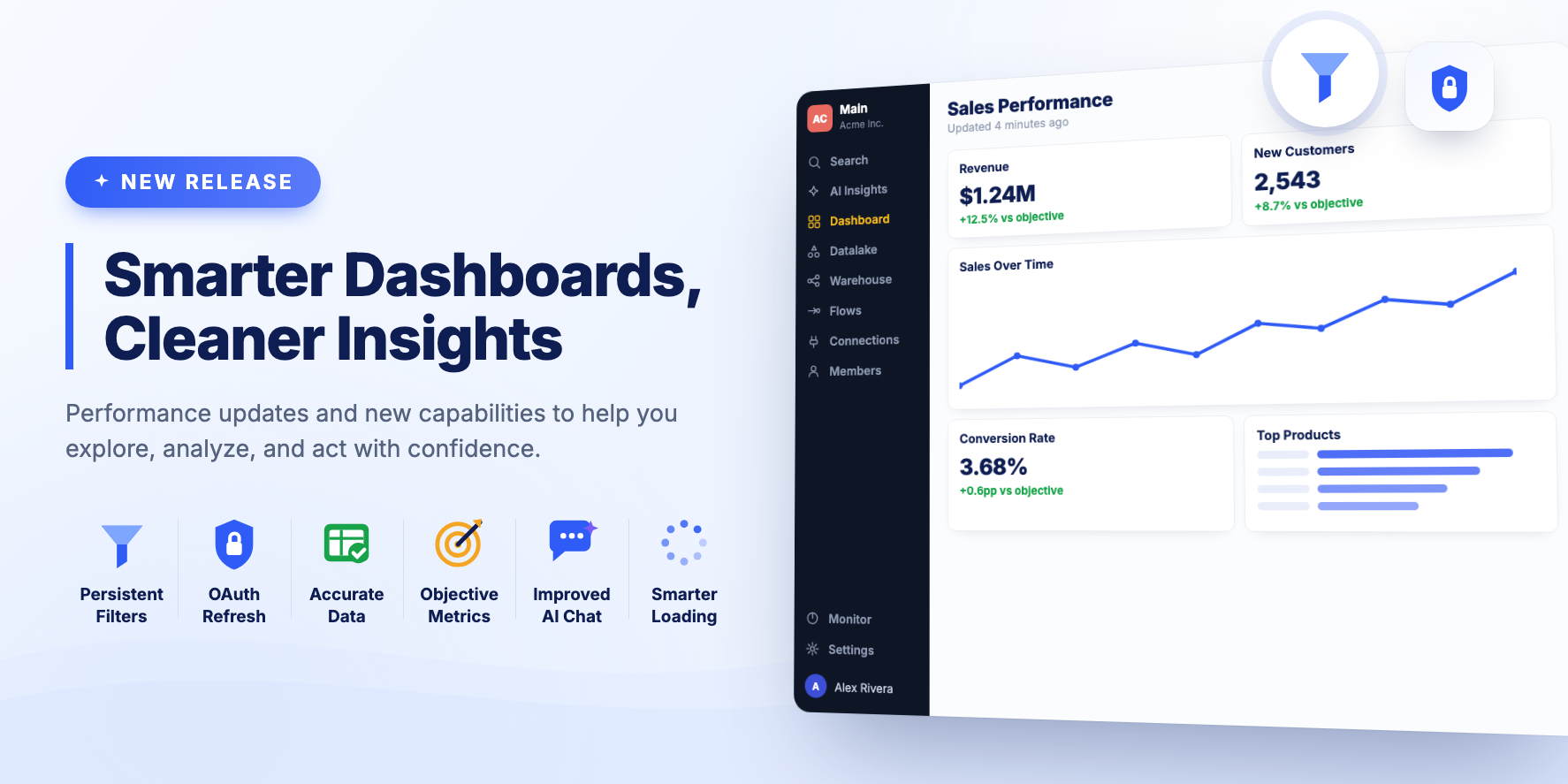
This release focuses on improving dashboard usability, data accuracy, and overall user experience.
New Features
Dashboard filter persistence
Selected filters are remembered. When you come back to the same Dashboard, they are applied automatically.
OAuth credentials refresh
You can be redirected to an OAuth provider such as Facebook to re-authenticate a Connection through the BEEM platform.
Bug Fixes and Improvements
- A Clear Filters button resets Dashboard Filters in one click.
- The total row on a Table Visualization is calculated from every row in the dataset rather than from the visible page.
- Metric Cards show the objective, or comparison value, alongside the figure.
- Dashboard state is cleared when you switch between modes or between dashboards, so stale data from a previous dashboard no longer appears.
- AI Insights Chat has more room on screen.
- Dynamic Filters show a loading state while their options are fetched, and wait for Visualizations to finish loading before they take effect.